For businesses
What you host: weddings and more
Tell Local Eyes what your place hosts, so it shows up in the right interest guide: weddings in Aisle, private events in The Guest List and live music in Soundcheck.
Start here
Be found for what you host
Start here
Be found for what you host
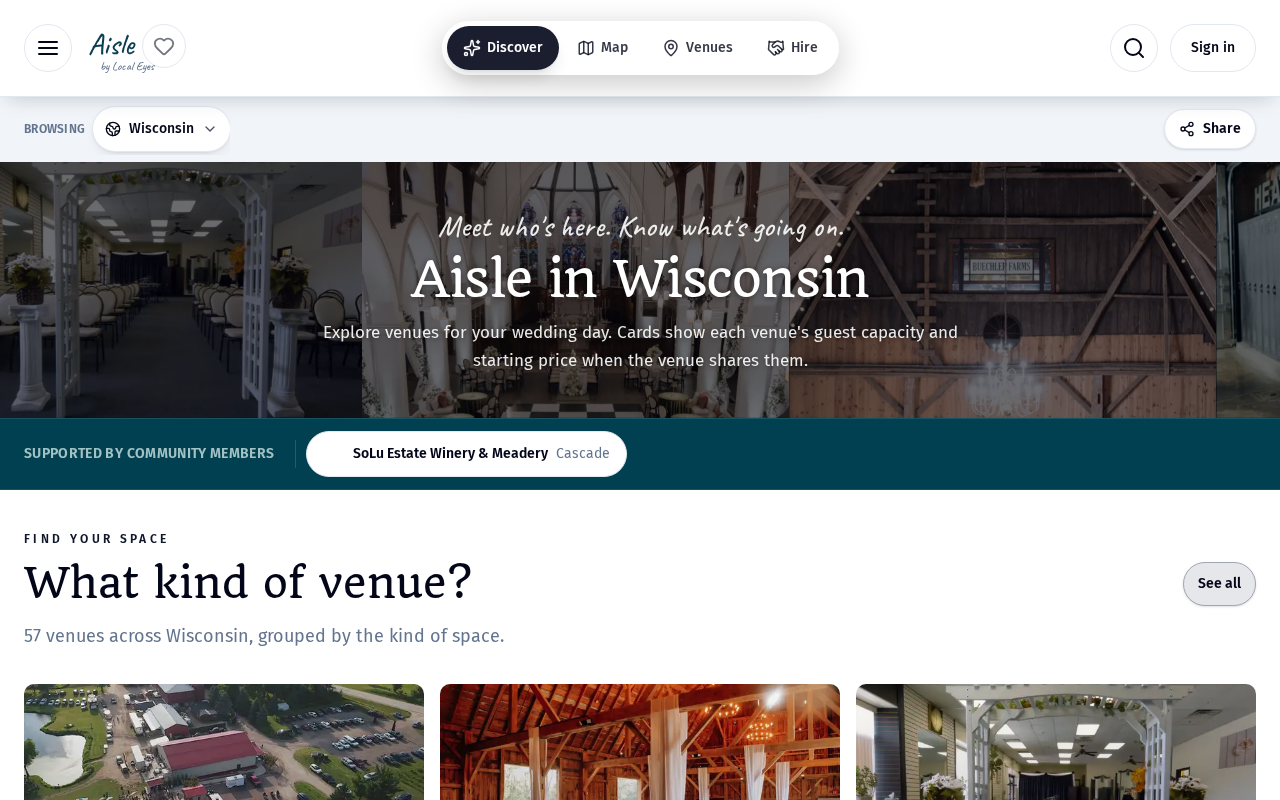
People planning a wedding, a private party or a night out rarely search one town at a time. They open an interest guide and compare places across the whole state. The What you host section in your listing editor decides which of those guides your place appears in. It sits on the Info tab, and every switch saves the moment you change it.
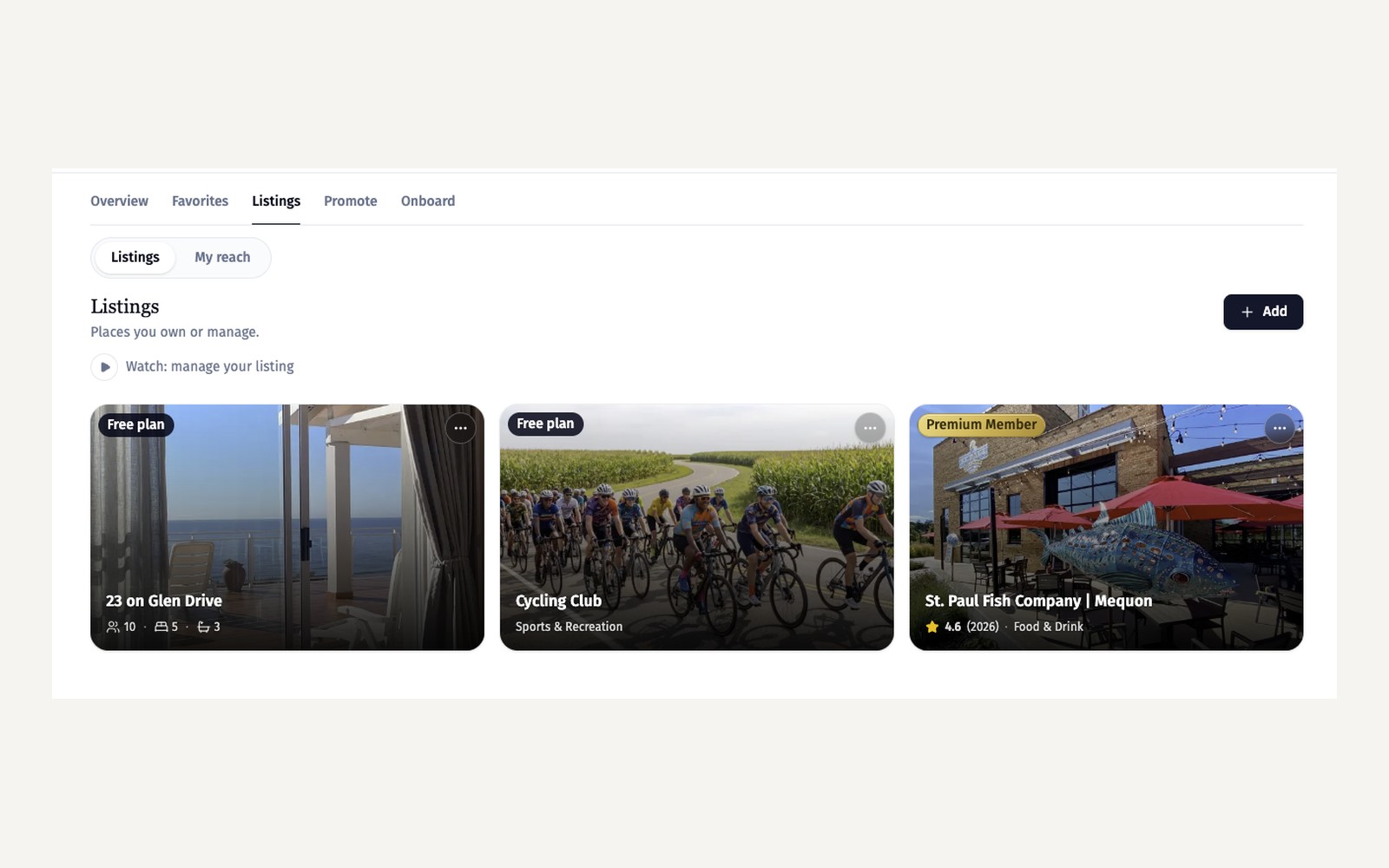
- 1Open your listing editorGo to Account, open Listings and choose your place. The Info tab opens first.
- 2Find What you hostScroll to the What you host section. Each row is one kind of occasion your place can host.
01 · Switches
Switch on what you offer
01 · Switches
Switch on what you offer
Each switch connects your place to one interest guide. Weddings & receptions puts you in Aisle, Private events puts you in The Guest List, and Live music puts you in Soundcheck. Dog-friendly marks your place for visitors bringing a dog. Switching one on adds your place straight away; switching it off removes it, even if Local Eyes had added it automatically.
- 1Weddings & receptionsAppear in Aisle, the guide couples use to compare wedding venues.
- 2Private eventsAppear in The Guest List, for parties, corporate events and group bookings.
- 3Live musicAppear in Soundcheck alongside the venues, bands and shows in your region.
Only switch on what you really host. A clear, accurate list earns better inquiries than a long one.
02 · Details
Add the details planners look for
02 · Details
Add the details planners look for
Venue guides group places by the kind of space, so couples and planners can compare a barn with a winery or a hall. Guest capacity and a starting price appear on your venue card and page only when you fill them in; anything left blank stays hidden. Suitable occasions show on your venue page, so visitors can see at a glance whether you fit their event.
- 1Guest capacityThe largest group you can host. It shows on your card as a photo pill.
- 2Starting priceA from price helps planners shortlist you. Leave it blank if you prefer to quote.
- 3Suitable occasionsPick the events you are set up for. They appear on your venue page.
03 · Inquiries
What happens next
03 · Inquiries
What happens next
Visitors browse a guide by venue type, then open your page to read your details and get in touch. Inquiries arrive in your Account under Listings, where you can reply. Keep your photos current: the venue card uses them, and a clear photo of the space does more than any description.